Passer au contenu principalPasser au contenu principal
Navigation web avec un navigateur IA et GenTabs
Umělá inteligenceJanuary 6, 2026|23 min

Navigation web avec un navigateur IA et GenTabs

Google Disco est un navigateur IA-first construit sur la technologie Gemini 3 qui transforme les onglets web ordinaires en applications intelligentes et interactives. La vedette principale...

T
Tým Apertia
Apertia.ai
Partager:

Google Disco is an AI-first browser built on Gemini 3 technology that transforms ordinary web tabs into intelligent, interactive applications. The main star of this innovative tool is the GenTabs feature, qui donne à votre navigation web une dimension entièrement nouvelle.

Qu'est-ce que Google Disco et pourquoi est-il révolutionnaire ?

Google Disco n'est pas juste un autre navigateur web. C'est une plateforme expérimentale désignée comme un "discovery vehicle" - un véhicule de recherche conçu pour réimaginer la navigation web moderne. Alors que les navigateurs traditionnels comme Chrome affichent des pages web statiques, Disco les crée dynamiquement en fonction de vos besoins.

Caractéristiques clés du projet Disco

  • Construit sur la plateforme Chromium - la même base que Google Chrome
  • Powered by Gemini 3 model - Google's most intelligent AI model
  • Pas de barre d'URL traditionnelle - à la place, une interface de chat pour les commandes naturelles
  • Orienté tâches - se concentre sur les tâches, pas sur les pages individuelles
  • Nature expérimentale - partie de l'initiative Google Labs

GenTabs : Le cœur de la révolution de la navigation web

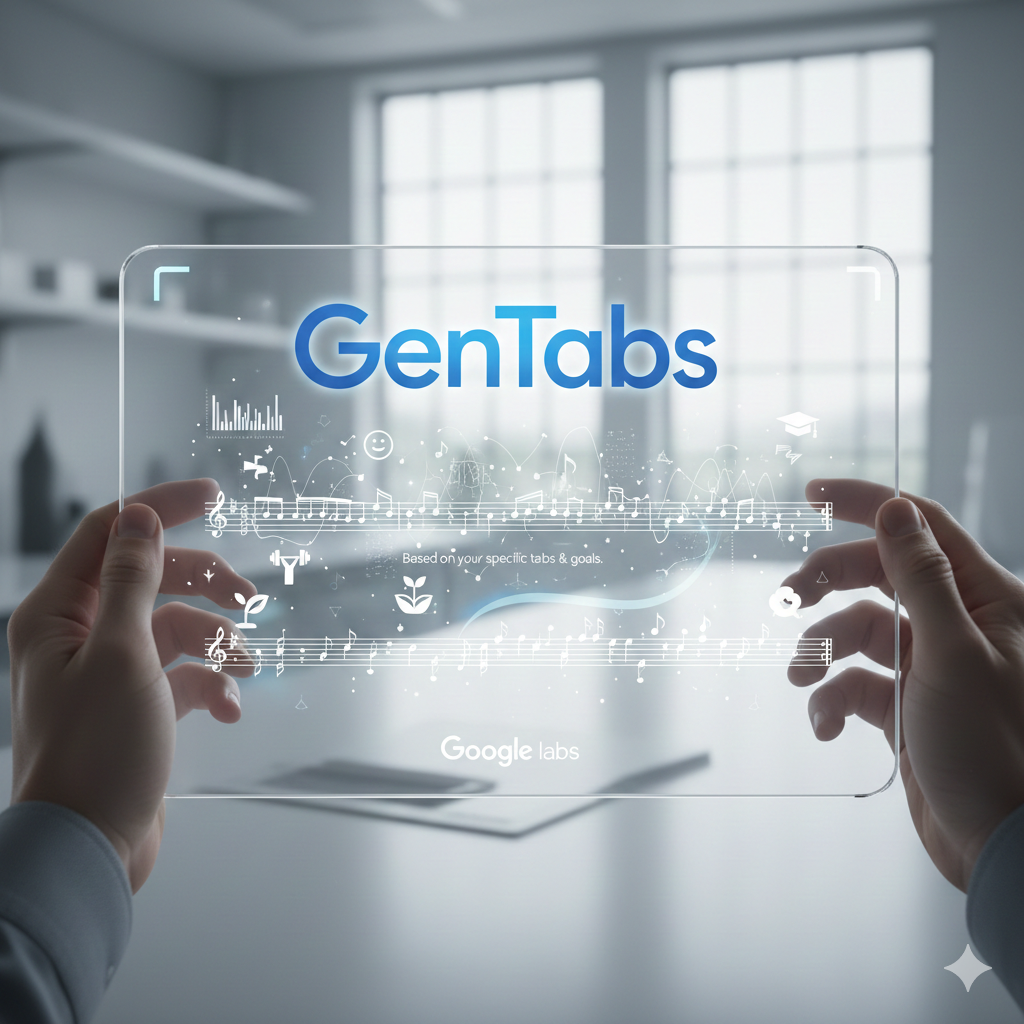
GenTabs (Generated Tabs) est une fonctionnalité révolutionnaire qui transforme notre façon de travailler avec Internet. Au lieu de basculer manuellement entre des dizaines d'onglets, GenTabs analyse le contenu de toutes les pages ouvertes, votre historique de chat et le contexte actuel pour créer une mini-application interactive adaptée à votre tâche.

Comment fonctionnent les GenTabs : Principes techniques

  1. Analyse du contexte - Gemini 3 analyse vos onglets ouverts
  2. Compréhension de l'intention - AI évalue ce que vous essayez d'accomplir
  3. Génération de code - Le système écrit du code d'application en temps réel
  4. Interface interactive - Crée une mini-application entièrement fonctionnelle
  5. Liaison aux sources - Chaque élément contient des liens vers les sources originales

Ce que vous pouvez créer avec GenTabs

Les GenTabs ne sont pas limités à des modèles prédéfinis. Le système peut créer pratiquement n'importe quel type d'application :

Planification et organisation :

  • Interactive travel planners with maps and calendars
  • Weekly meal plans with recipes and shopping lists
  • Gardening plans with planting timelines
  • Project schedules with timelines

Éducation et apprentissage :

  • 3D models of the solar system for astronomy education
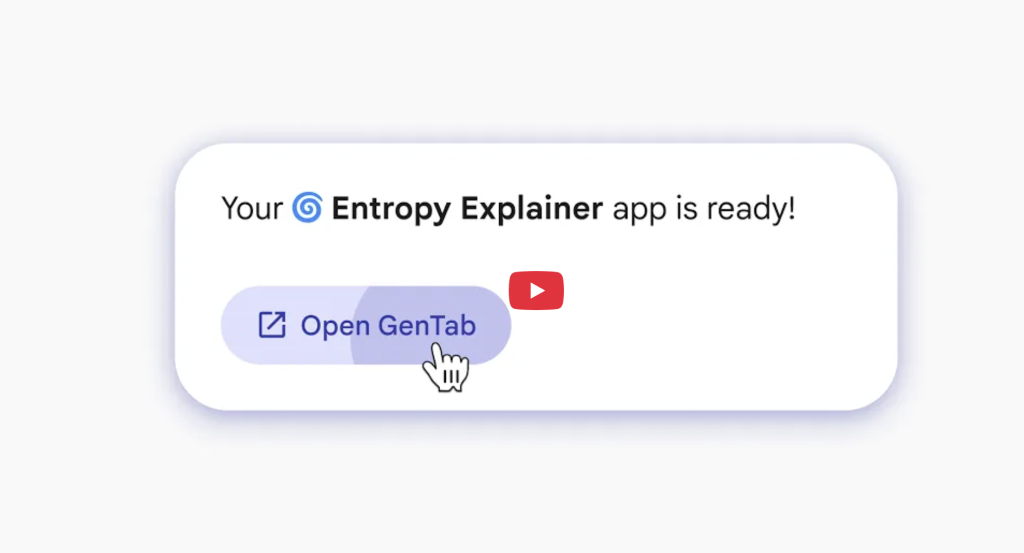
  • Interactive visualizations of physics concepts (e.g., entropy)
  • Matching games for vocabulary learning
  • Educational quizzes and tests

Analyse et visualisation :

  • Complex charts and data visualizations
  • Comparison tables for products or services
  • Financial calculators and planners
  • Interactive dashboards

Comparaison de Google Disco avec la concurrence

Fonctionnalité Google Disco Perplexity Comet ChatGPT Atlas Chrome + Gemini
Technologie Gemini 3 Perplexity AI GPT-4 Gemini 2.0
Type d'interface Chat-based Basé sur la recherche Chat-based Assistant Chrome
GenTabs/Apps Oui Non Non Non
Contexte des onglets Tous les onglets Partiel Limité Page active uniquement
Disponibilité Waitlist (macOS) Beta Prévu 2025 Disponible publiquement
Plateforme cible Chromium Propriétaire Propriétaire Chrome

Spécifications techniques et exigences

Disponibilité actuelle

Paramètre Status
Platform macOS uniquement
Accès Liste d'attente via Google Labs
Phase de développement Bêta expérimentale
Taille du groupe test Petit, expansion progressive
Integration Navigateur autonome

Configuration requise

Vous souhaitez une solution IA sur mesure ?

Nous aidons les entreprises à automatiser leurs processus avec l'IA. Contactez-nous pour découvrir comment nous pouvons vous aider.

  • Réponse sous 24 heures
  • Consultation sans engagement
  • Solutions adaptées à votre entreprise
Plus de contacts
  • Operating System: macOS (Windows and ChromeOS planned)
  • Internet Connection: Stable broadband
  • Google Account: Required for access
  • Hardware: Modern Mac with sufficient performance

Gen

source : https://labs.google/disco

Practical Examples of GenTabs Usage

Example 1: Planning a Trip to Japan

When you open tabs about Japan, GenTabs automatically creates:

  • Interactive calendar with recommended dates for cherry blossoms
  • Maps with recommended destinations including crowd ratings
  • Tip cards "How to handle tourist crowds"
  • Booking buttons for nearby accommodation
  • Historical data on bloom periods and weather

Example 2: Weekly Meal Plan for Lowering Cholesterol

GenTabs creates an application containing:

  • 7-day overview divided into breakfast, lunch, and dinner
  • Linked recipes from open tabs
  • Nutritional information for each meal
  • Shopping list automatically generated from recipes
  • Tips for healthy alternatives for individual ingredients

Example 3: Educational Tool About the Solar System

For students it creates:

  • 3D interactive model of planets with rotation capability
  • Fact cards about each planet
  • Quiz questions to test knowledge
  • Timeline of important space events
  • Links to sources for deeper study

Sécurité et confidentialité : Questions importantes

Disco raises significant privacy questions because it requires access to the content of all your open tabs to function.

What Disco Tracks

Data Access:

  • Content of all open tabs
  • Chat history with Gemini
  • Context of current activity
  • Browsing patterns

Privacy Concerns

Researchers from University College London analyzed AI assistants in browsers in August 2024 and found:

  • Many tools transfer sensitive web page content to external servers
  • User inputs are often stored without clear notification
  • Continuous monitoring is necessary for functionality, limiting control options

Recommendations for Users

Be careful with:

  • Medical records and health research
  • Financial documents and banking information
  • Corporate documents and sensitive materials
  • Personal correspondence and private messages

L'avenir de Disco et l'intégration Chrome

Google clearly states that the most interesting ideas from Project Disco may eventually make their way into larger Google products - primarily the Chrome browser.

Possible Future Integration

Chrome Browser:

  • GenTabs as an optional feature
  • Integration with existing Gemini features
  • Gradual rollout for billions of users

Aluminium OS:

  • New Android-based successor to ChromeOS
  • AI at the core of the operating system
  • Possible use of GenTabs as the main interface

Calendrier de développement prévu

Période Jalon
December 2024 Lancement bêta sur macOS
Q1 2025 Extension à Windows et ChromeOS
Q2-Q3 2025 Évaluation et collecte de retours
Q4 2025+ Intégration possible dans Chrome/Aluminium OS

Comment obtenir l'accès à Google Disco

Inscription sur la liste d'attente

  1. Visit the official website: labs.google/disco
  2. Fill out the registration form with basic information
  3. Wait for an invitation - Google is gradually expanding access
  4. Download the application for macOS after receiving access

À quoi s'attendre pendant le test bêta

Aspects positifs :

  • Access to cutting-edge AI technology
  • Opportunity to influence future development
  • Unique web browsing experience

Limitations et défis :

  • Occasional bugs and instabilities
  • Limited availability (macOS only)
  • Experimental features may change
  • Need to provide feedback
Prêt à commencer ?

Intéressé par cet article?

Explorons ensemble comment l'IA peut transformer votre entreprise.

Contactez-nous