Skip to main contentSkip to main content
Apertia.ai
Web Browsing with AI Browser and GenTabs
Umělá inteligenceJanuary 6, 2026|23 min

Web Browsing with AI Browser and GenTabs

Google Disco is an AI-first browser built on Gemini 3 technology that transforms ordinary web tabs into intelligent, interactive applications. The main star...

T
Tým Apertia
Apertia.ai
Share:

Google Disco is an AI-first browser built on Gemini 3 technology that transforms ordinary web tabs into intelligent, interactive applications. The main star of this innovative tool is the GenTabs feature, which gives your web browsing an entirely new dimension.

What is Google Disco and Why is it Revolutionary?

Google Disco is not just another web browser. It is an experimental platform labeled as a "discovery vehicle" - a research vehicle designed to reimagine modern web browsing. While traditional browsers like Chrome display static web pages, Disco creates them dynamically based on your needs.

Key Characteristics of Project Disco

  • Built on Chromium platform - the same foundation as Google Chrome
  • Powered by Gemini 3 model - Google's most intelligent AI model
  • No traditional URL bar - instead, a chat interface for natural commands
  • Task-oriented - focuses on tasks, not individual pages
  • Experimental nature - part of the Google Labs initiative

GenTabs: The Heart of the Web Browsing Revolution

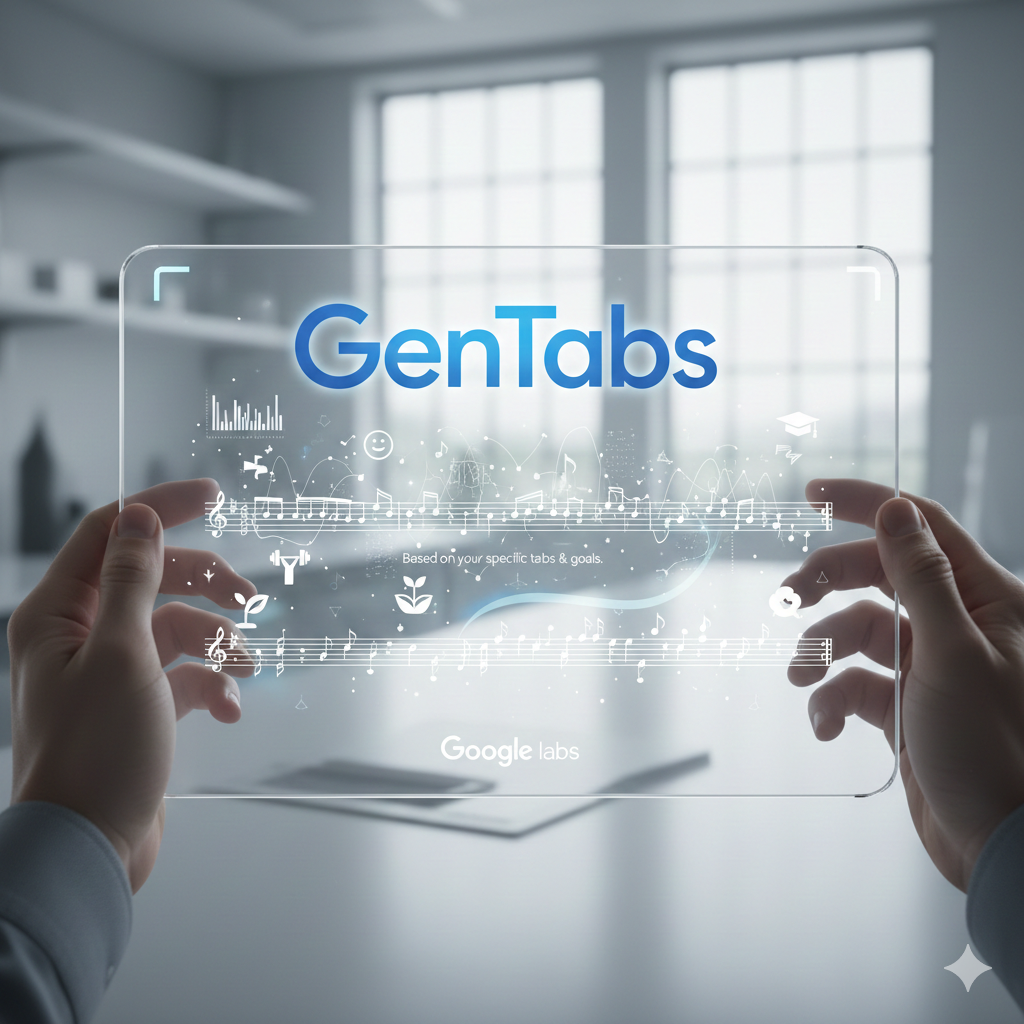
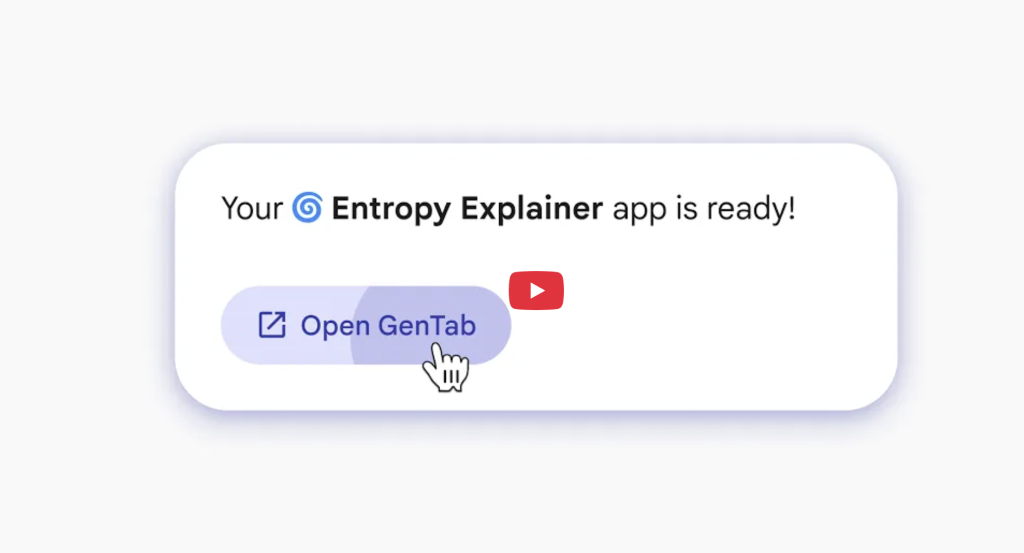
GenTabs (Generated Tabs) is a revolutionary feature that transforms how we work with the internet. Instead of manually switching between dozens of tabs, GenTabs analyzes the content of all open pages, your chat history, and current context to create an interactive mini-application tailored to your task.

How GenTabs Works: Technical Principles

  1. Context analysis - Gemini 3 analyzes your open tabs
  2. Intent understanding - AI evaluates what you're trying to accomplish
  3. Code generation - The system writes application code in real-time
  4. Interactive interface - Creates a fully functional mini-application
  5. Source linking - Each element contains links to original sources

What You Can Create with GenTabs

GenTabs are not limited to predefined templates. The system can create virtually any type of application:

Planning and Organization:

  • Interactive travel planners with maps and calendars
  • Weekly meal plans with recipes and shopping lists
  • Gardening plans with planting timelines
  • Project schedules with timelines

Education and Learning:

  • 3D models of the solar system for astronomy education
  • Interactive visualizations of physics concepts (e.g., entropy)
  • Matching games for vocabulary learning
  • Educational quizzes and tests

Analysis and Visualization:

  • Complex charts and data visualizations
  • Comparison tables for products or services
  • Financial calculators and planners
  • Interactive dashboards

Comparing Google Disco with Competitors

Feature Google Disco Perplexity Comet ChatGPT Atlas Chrome + Gemini
Technology Gemini 3 Perplexity AI GPT-4 Gemini 2.0
Interface Type Chat-based Search-based Chat-based Chrome Assistant
GenTabs/Apps Yes No No No
Tab Context All tabs Partial Limited Active page only
Availability Waitlist (macOS) Beta Planned 2025 Publicly available
Target Platform Chromium Proprietary Proprietary Chrome

Technical Specifications and Requirements

Current Availability

Parameter Status
Platform macOS only
Access Waitlist via Google Labs
Development Phase Experimental beta
Test Group Size Small, gradual expansion
Integration Standalone browser

System Requirements

  • Operating System: macOS (Windows and ChromeOS planned)
  • Internet Connection: Stable broadband
  • Google Account: Required for access
  • Hardware: Modern Mac with sufficient performance
Want a Custom AI Solution?

We help companies automate processes with AI. Contact us to find out how we can help you.

  • Response within 24 hours
  • No-obligation consultation
  • Solutions tailored to your business
More contacts

Gen

source: https://labs.google/disco

Practical Examples of GenTabs Usage

Example 1: Planning a Trip to Japan

When you open tabs about Japan, GenTabs automatically creates:

  • Interactive calendar with recommended dates for cherry blossoms
  • Maps with recommended destinations including crowd ratings
  • Tip cards "How to handle tourist crowds"
  • Booking buttons for nearby accommodation
  • Historical data on bloom periods and weather

Example 2: Weekly Meal Plan for Lowering Cholesterol

GenTabs creates an application containing:

  • 7-day overview divided into breakfast, lunch, and dinner
  • Linked recipes from open tabs
  • Nutritional information for each meal
  • Shopping list automatically generated from recipes
  • Tips for healthy alternatives for individual ingredients

Example 3: Educational Tool About the Solar System

For students it creates:

  • 3D interactive model of planets with rotation capability
  • Fact cards about each planet
  • Quiz questions to test knowledge
  • Timeline of important space events
  • Links to sources for deeper study

Security and Privacy: Important Questions

Disco raises significant privacy questions because it requires access to the content of all your open tabs to function.

What Disco Tracks

Data Access:

  • Content of all open tabs
  • Chat history with Gemini
  • Context of current activity
  • Browsing patterns

Privacy Concerns

Researchers from University College London analyzed AI assistants in browsers in August 2024 and found:

  • Many tools transfer sensitive web page content to external servers
  • User inputs are often stored without clear notification
  • Continuous monitoring is necessary for functionality, limiting control options

Recommendations for Users

Be careful with:

  • Medical records and health research
  • Financial documents and banking information
  • Corporate documents and sensitive materials
  • Personal correspondence and private messages

The Future of Disco and Chrome Integration

Google clearly states that the most interesting ideas from Project Disco may eventually make their way into larger Google products - primarily the Chrome browser.

Possible Future Integration

Chrome Browser:

  • GenTabs as an optional feature
  • Integration with existing Gemini features
  • Gradual rollout for billions of users

Aluminium OS:

  • New Android-based successor to ChromeOS
  • AI at the core of the operating system
  • Possible use of GenTabs as the main interface

Expected Development Timeline

Period Milestone
December 2024 Beta launch on macOS
Q1 2025 Expansion to Windows and ChromeOS
Q2-Q3 2025 Evaluation and feedback collection
Q4 2025+ Possible integration into Chrome/Aluminium OS

How to Get Access to Google Disco

Registering for the Waitlist

  1. Visit the official website: labs.google/disco
  2. Fill out the registration form with basic information
  3. Wait for an invitation - Google is gradually expanding access
  4. Download the application for macOS after receiving access

What to Expect During Beta Testing

Positive Aspects:

  • Access to cutting-edge AI technology
  • Opportunity to influence future development
  • Unique web browsing experience

Limitations and Challenges:

  • Occasional bugs and instabilities
  • Limited availability (macOS only)
  • Experimental features may change
  • Need to provide feedback
Ready to start?

Interested in this article?

Let's explore together how AI can transform your business.

Contact us