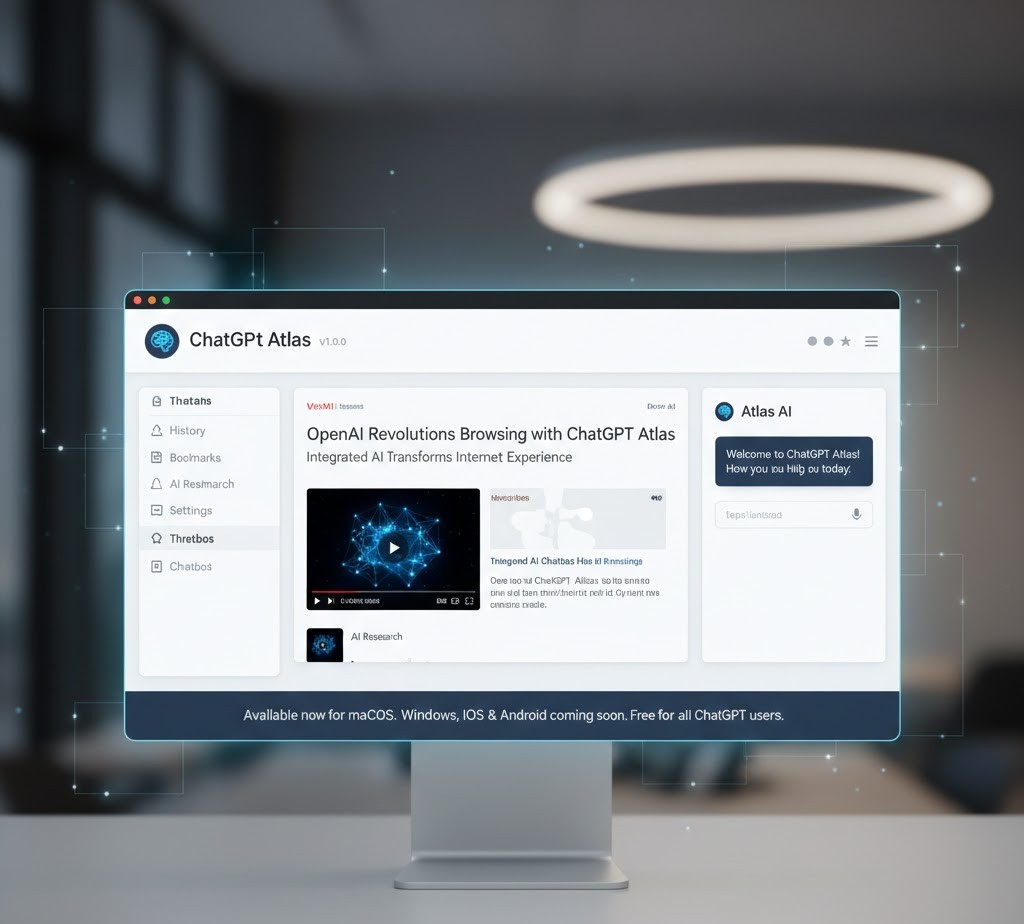
Tech giant OpenAI has entered the web browser market with a groundbreaking innovation. ChatGPT Atlas represents a fundamental step toward the future of the internet, where artificial intelligence is not just a helper, but an active partner in web browsing.
Revolution in Web Browsing
OpenAI introduced ChatGPT Atlas as the first web browser with an integrated AI chatbot, bringing an entirely new dimension to everyday internet use. The browser is currently only available for macOS, with versions for Windows, iOS, and Android to follow. Atlas is available for free to all ChatGPT users.
Key Atlas Features
| Feature | Availability | Description |
|---|---|---|
| Ask ChatGPT Panel | All users | Side panel on every page for content-related queries |
| Browser Memories | Optional | AI remembers your preferences and history |
| Agent Mode | Plus/Pro/Business | AI performs tasks independently (reservations, purchases) |
| Chromium Compatibility | All users | Support for all Chrome extensions |
Integrated AI Assistant
The most visible new feature is the side panel with the "Ask ChatGPT" function, which appears on every visited page. You can ask ChatGPT about things related to the open page - article summaries, explanations of terms, or shopping advice.
Agent Mode - AI Works for You
The most advanced feature is Agent Mode for Plus, Pro, and Business subscribers. ChatGPT can perform actions directly on websites - find a hotel, make a reservation, or write a discussion post.
Practical Agent Mode Examples
| Task | Result |
|---|---|
| Grocery Shopping | Creates a list, finds an e-shop, adds to cart |
| Restaurant Reservation | Finds a restaurant, checks availability, fills out the form |
| Writing in a Discussion | Understands context, writes a post, asks for approval |